Age check and consent
On first launch the app asks whether you are 13 or older, then shows the Terms of Service and Privacy Policy. You cannot continue without agreeing. That screen also explains how to report a post and how to block someone.
Chapter 1
From opening the app to saving your first photo. A few minutes, start to finish.
Back to the guideOn first launch the app asks whether you are 13 or older, then shows the Terms of Service and Privacy Policy. You cannot continue without agreeing. That screen also explains how to report a post and how to block someone.
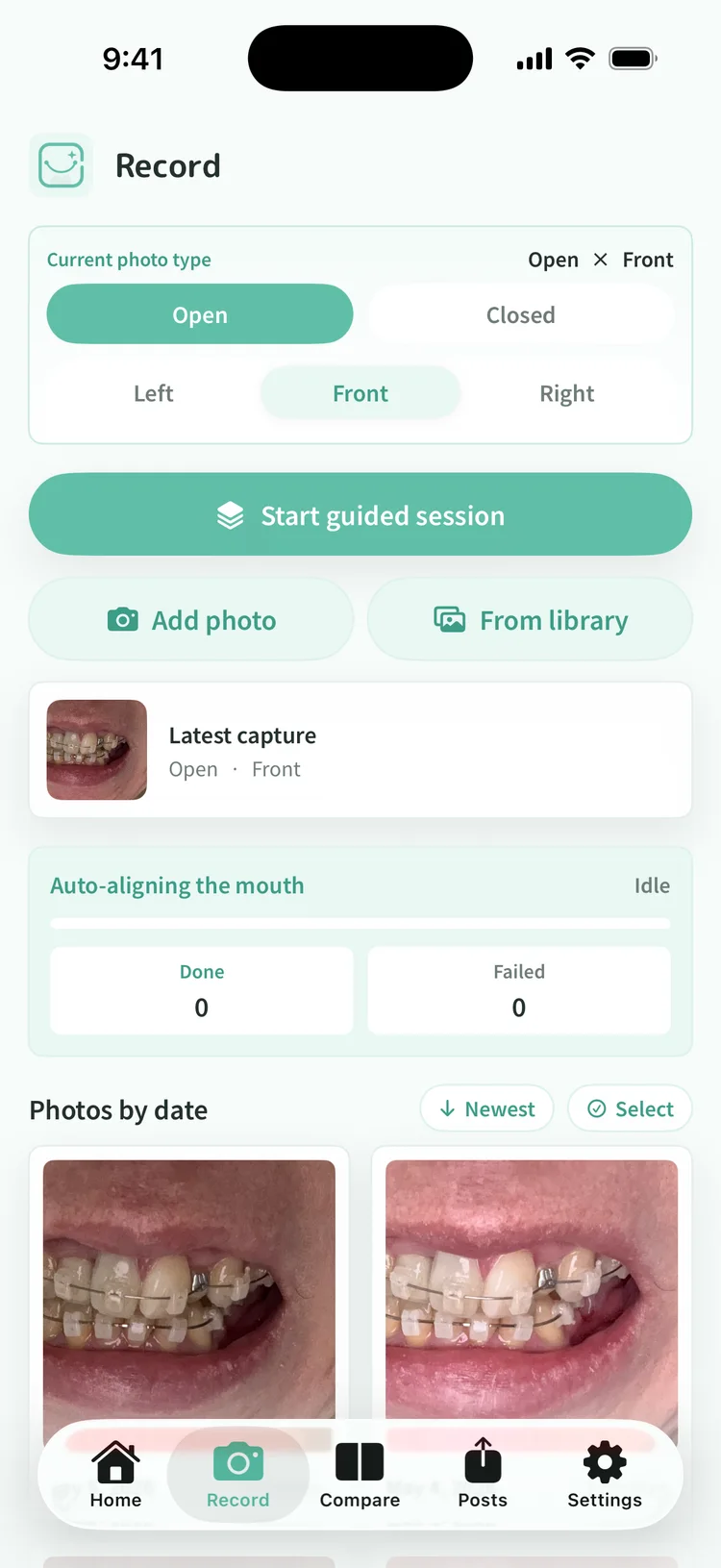
Open the Record tab and tap Add photo. The camera opens with an outline to line your face up against. The photo is cropped to your mouth on the device, and location and device metadata are stripped before it is saved.
Open or closed, left, front, or right. Six combinations in total. Choosing the type before you shoot means matching types line up later when you compare. You do not need all six. Even a single type, open and front, is a record.
Tap From library to import the orthodontic photos already sitting in your camera roll. Dates come from the photos themselves, so the order works itself out. The longer you have been in treatment, the more this fills in at once.
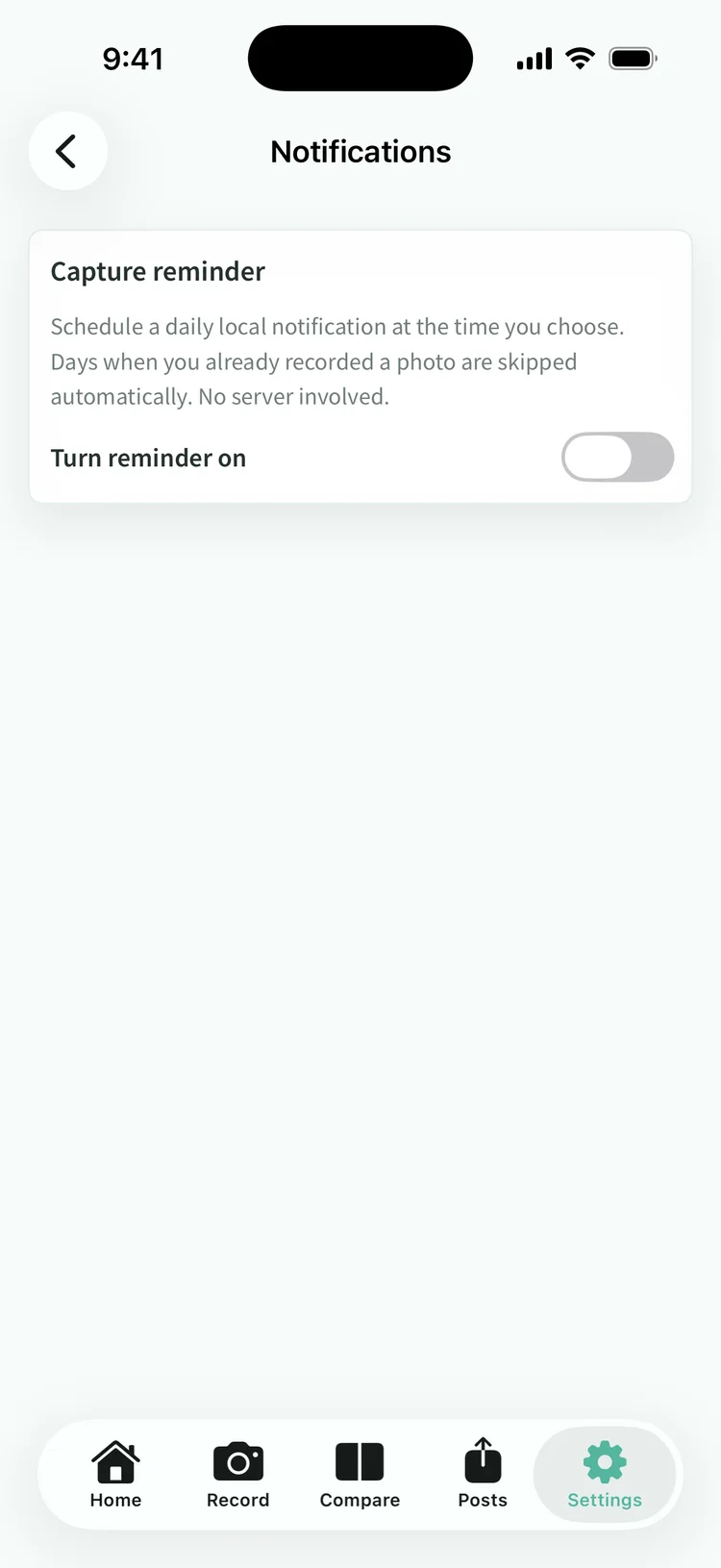
Notification settings in the Settings tab can nudge you at a set time each day, and days when you have already taken a photo are skipped. The reminder is built on your iPhone, so no record of which days you shot leaves the device.
You can keep recording free for 90 days from the day you add your first photo. After that, viewing, comparing, exporting, backing up, and posting everything you already recorded stays free. Buying the one-time unlock is only needed to keep adding new photos.
App Download
The app brings together photo organization, comparison and the anonymization preview in a single flow.
This site uses cookies (Google Analytics) to analyze usage. Measurement happens only if you consent. Cookie Policy