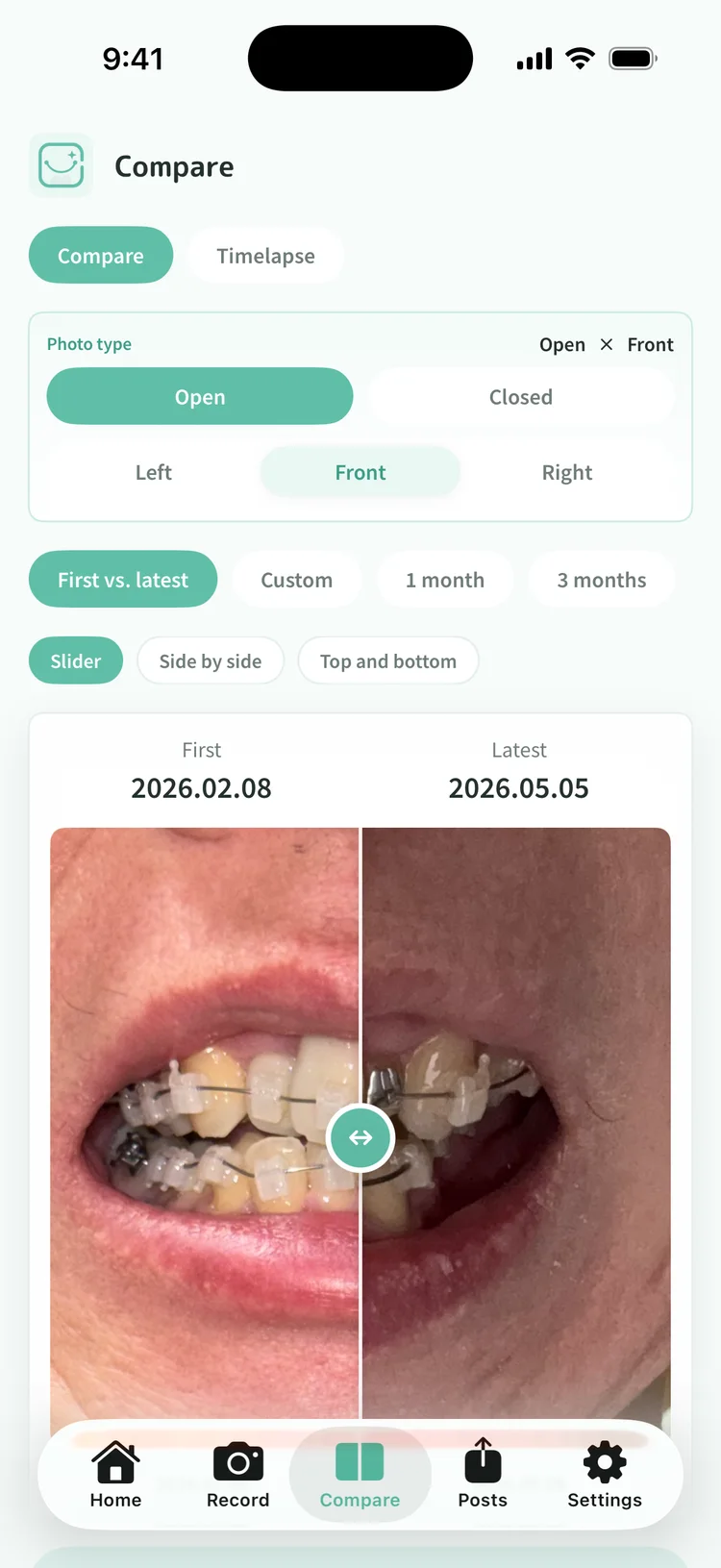
Alignment shifts a little at a time, so yesterday's look cannot be recalled exactly. With photos, you can line up a month ago and half a year ago and follow the change. Some people look back at photos taken at each clinic visit, but a record you keep yourself stays in your hands and opens whenever you want.
Shoot under the same conditions
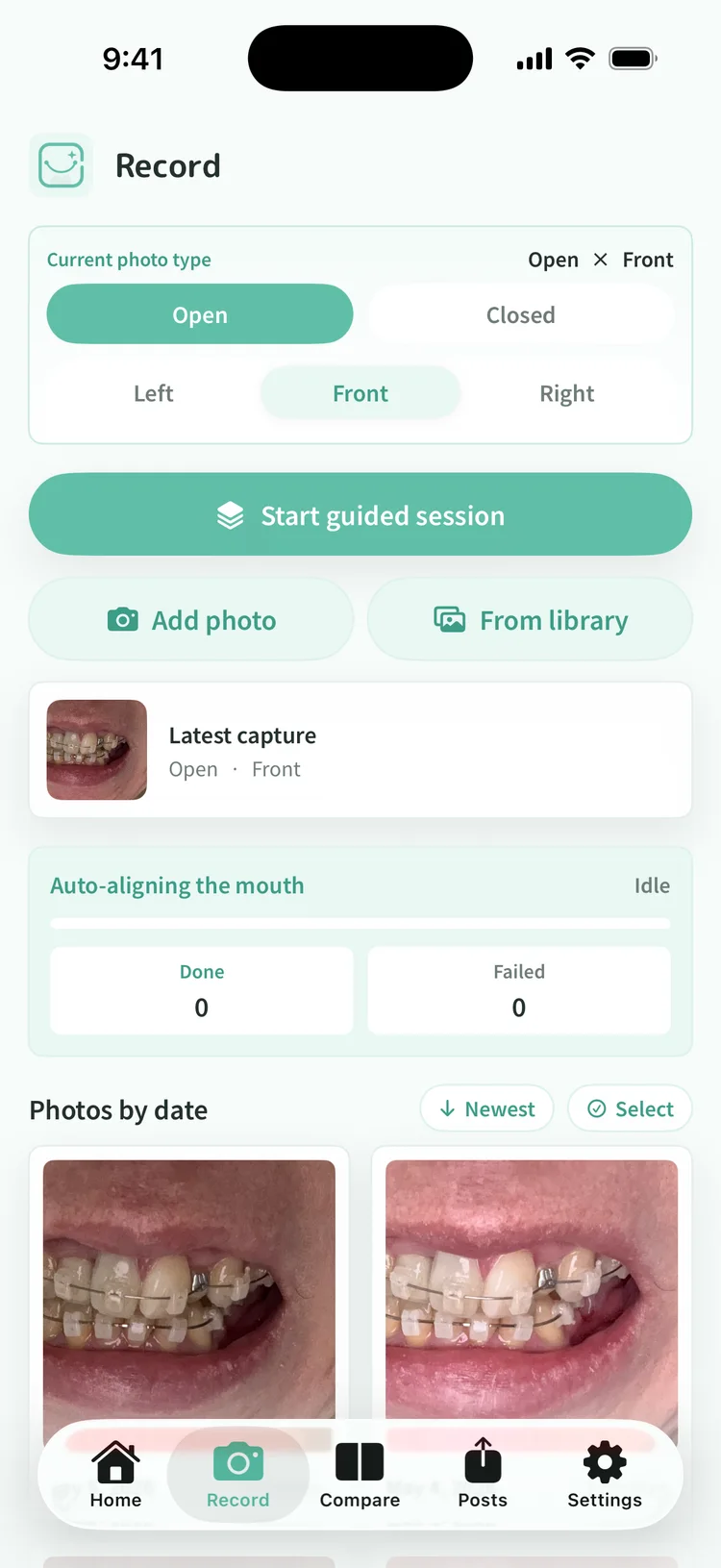
Comparing works when every shot shares the same angle, distance, and light. The in-app camera shows a face-outline guide, so shooting along it keeps conditions consistent. Pick a bright indoor spot and fix your front, left, and right angles, and the habit gets easier to keep.
Fix a shooting rhythm
Shoot on a rhythm you choose, such as once a week or once a month. Tying it to milestones like appliance-change days or the day before a checkup also works. Daily is not required. Too long a gap leaves holes in the middle of the change, so fix one rhythm you can keep without strain. A reminder can cover the days you might forget.
Past photos can join in
If your camera roll already holds photos from the day treatment began, import them in bulk. Dates are read from each photo itself, so the timeline connects the moment they land. Even a record started midway can line up from the beginning when the past is there.
Compare day one with today
Line up the first shot against today's and compare. Sorting and a slider let you move back and forth, so even small shifts can be followed by eye. Shots of the same type line up under the same conditions and compare more easily.
Stay faceless
Captured photos are cropped to the mouth on your iPhone, with location and device information removed before they are stored. Your face never stays in the record. When you want to show a record to someone, only the shots you choose go out as a shared post. A preview always appears before anything is sent.